

Omise AI
AI-powered efficiency
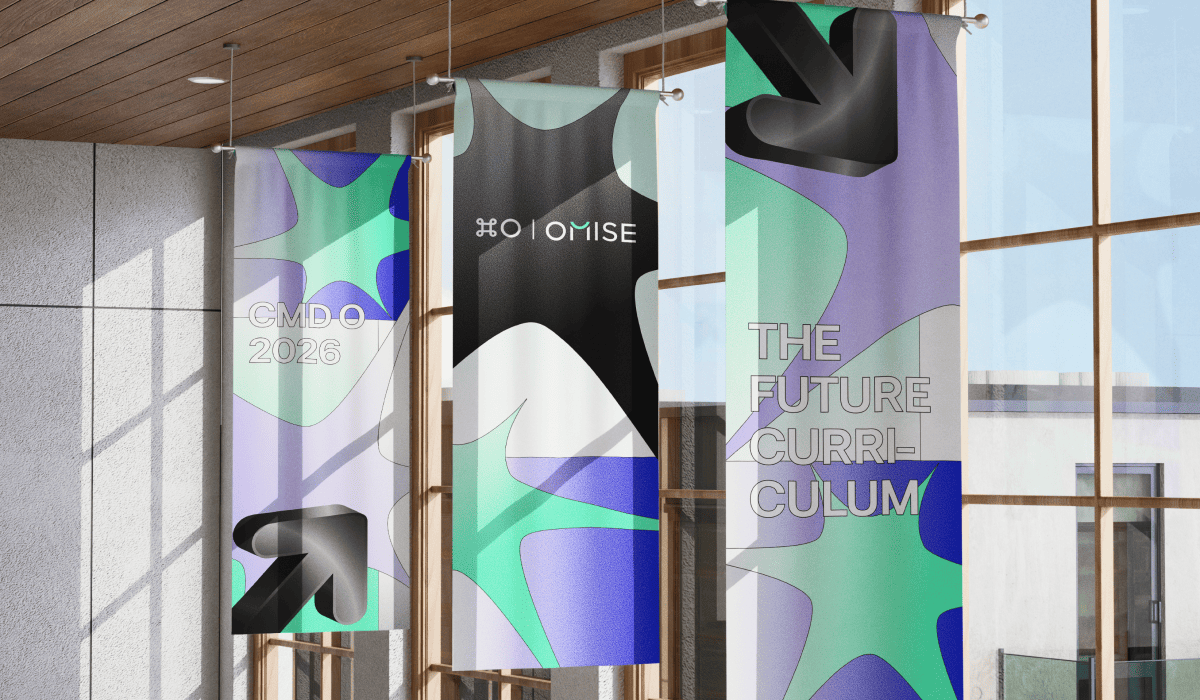
Command O is back for its third year! On Tuesday 20 October 2026, the Omise team came together once again to share ideas, experiences, and the things we've been learning along the way.
If you're new to Command O, the name comes from Command+O, the keyboard shortcut for opening something. It's a fitting name for our technical conference, where we open up our work, our thinking, and our ideas to new perspectives and possibilities.
This year, we took you back to school — figuratively and literally. With the theme The Future Curriculum, we headed to Sasin School of Management for a day of lessons on AI, agentic AI, and rethinking how we work. From building AI agents to retooling workflows and learning new ways to use AI, our teams shared what they've been experimenting with, what they've learned, and how these experiences can help us prepare for the future.
This year, Command O brought together 21 speakers across 16 presentations, including seven interns who delivered five talks of their own. Sessions covered Product, Development, QA, Solution Architecture, Project Management, and Security, reflecting the breadth of expertise across Omise.
We also welcomed Project Management and Security to the Command O stage for the first time, bringing fresh perspectives and ideas of their own. It was a chance to share not just what we're building with AI, but what we're learning along the way.
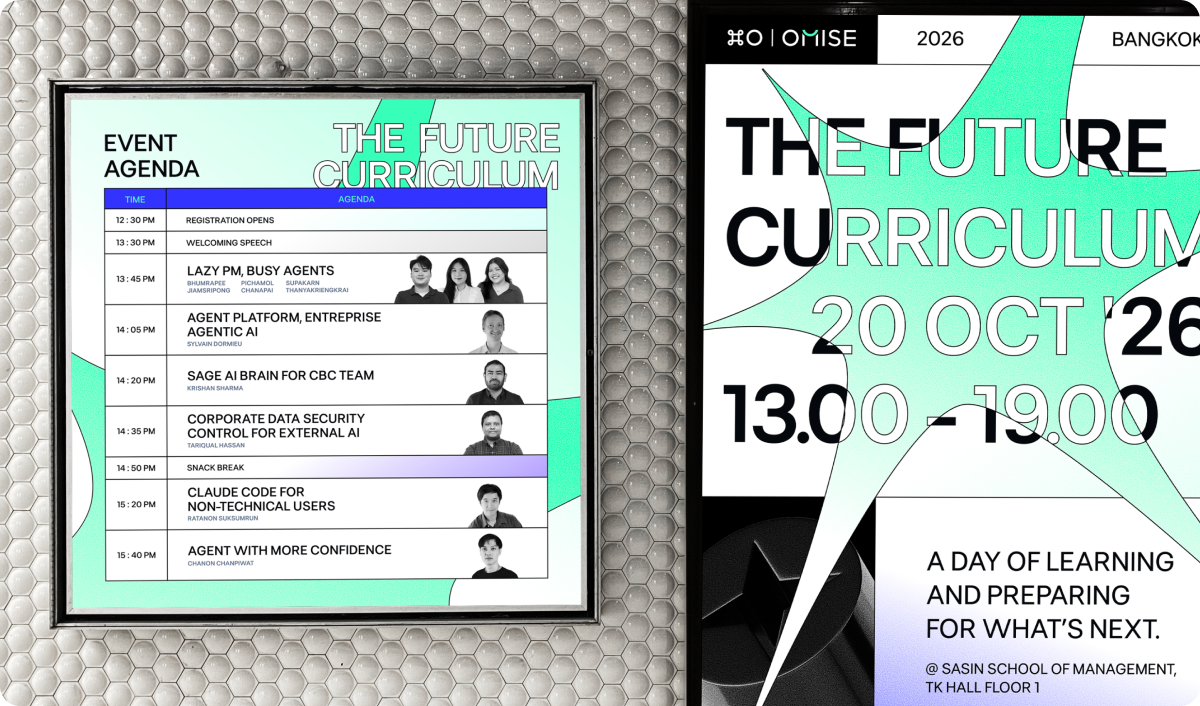
The day began with check-in at 13:00, where attendees picked up their event swag and got a chance to win prizes in the lucky draw. The university setting brought The Future Curriculum theme to life, while this year’s mint-green design added a fresh splash of colour with a distinctly Omise feel.
Between the sessions, attendees could grab a snack, catch up with colleagues, and stop by the photobooth, back by popular demand. Who says tech people are camera-shy?
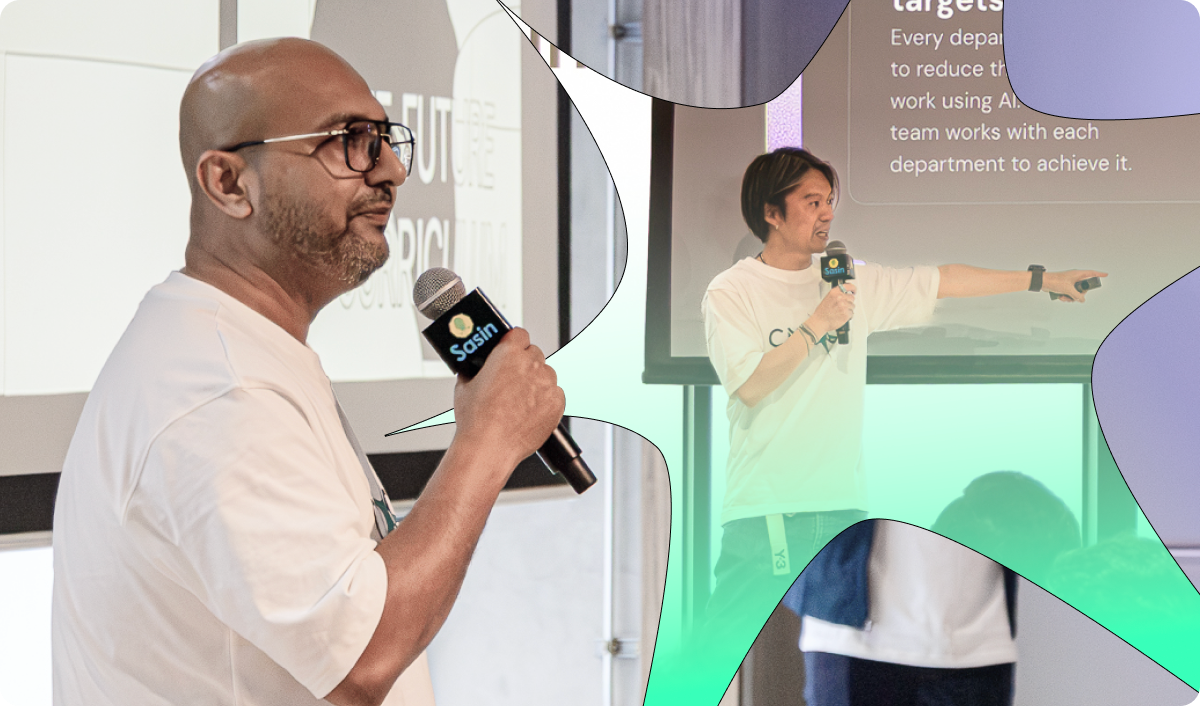
After a welcome speech from Amborish Acharya, our Group CTO, Jun Hasegawa, Founder and Group CEO, introduced Mirai Flash, Omise’s AI coworker for organizations.
First introduced internally at last year’s Command O, Mirai began as an effort to solve everyday work challenges at Omise. Since then, it has grown into a product for businesses beyond our own walls, officially launching that very morning. (Learn more about the Mirai Flash launch.)
Mirai Flash is one example of how an idea can grow from an internal experiment into something bigger. As we moved into this year’s sessions, we turned our attention to the ideas and projects taking shape across Omise, and what they might become next.
Our keynote talks began with three of our product managers: Bhumrapee “Sea” Jiamsripong, Supakarn “Amy” Thanyakriengkrai, and Pichamol “Namo” Chanapai. They opened with a question: if someone called you lazy, would you take it as an insult?
Their answer was that being lazy is a discipline. It means doing less on purpose, letting go of the busywork so your time goes to the work that really needs you. They pointed out that most of a product manager’s time disappears into tickets, syncs, and alignment, and showed how AI agents are helping them win that time back.
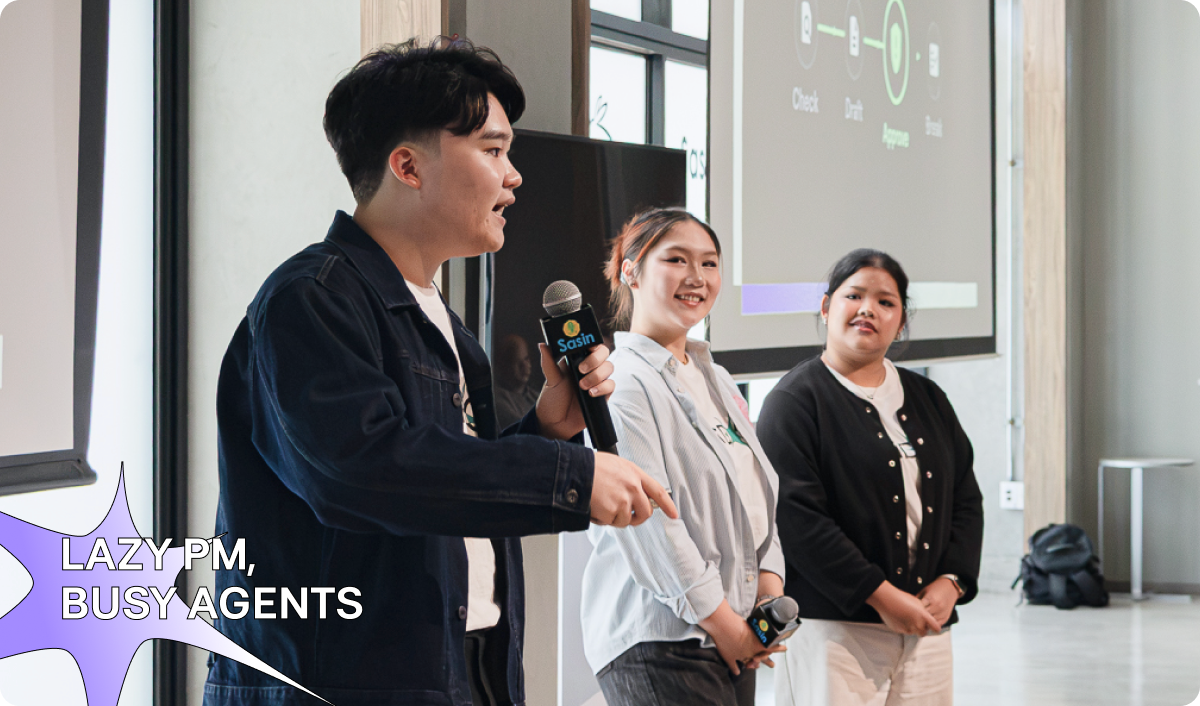
They then walked us through one product quarter in three phases: Sea as the “Lazy Strategist” (discovery), Amy as the “Lazy Operator” (execution), and Namo as the “Lazy Analyst” (insight). Each phase came with its own AI agents, from competitor research and PRD drafting to daily meeting digests, backlog refinement, product funnels, and cross-checking data across Mixpanel, Superset, Datadog, and HelpScout.
The principle throughout was simple: agents do the busywork; people make the call. They closed by spelling out what LAZY really stands for:
L: Less busywork. A: Agents dig and draft. Z: Zero shortcuts. Y: You call the shot.
Our second keynote talk was from Sylvain Dormieu, our Director of Engineering. His challenge: how do you scale beyond a proof of concept on an intern budget? Over the past six months, we’ve put eight AI agents into production, all built by interns using Agent Studio, our shared platform for building and scaling AI agents.
Sylvain explained how Agent Studio makes this possible by providing shared security and privacy guardrails, a self-hosted OCR engine that keeps documents off third-party models (important for PDPA compliance), and a common core that powers customer support, KYC, and merchant agents. With these foundations in place, teams can focus on building workflows instead of starting from scratch each time.
His takeaways were to “Think Forward” and “Prioritize Reusability,” building “Shared Foundations” that help us deliver features at scale.
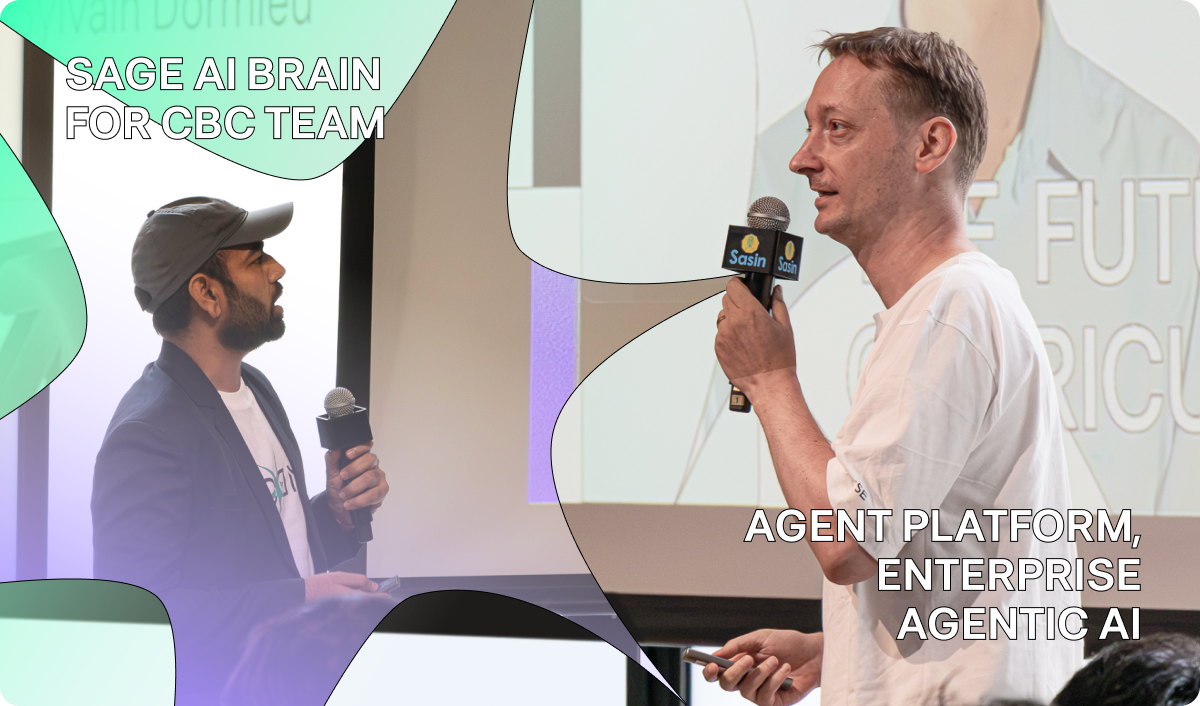
Krishan Sharma, Senior Software Engineer, then showcased SAGE (Smart AI-Guided Explorer), built around a simple idea: engineers should spend more time building and less time digging through hundreds of pages of documentation.
Krishan demonstrated how SAGE brings Visa, Mastercard, and TSYS documentation together in one intelligent workspace, delivering instant answers with exact page citations so teams never have to second-guess accuracy. It functions as both a verifiable source of truth for senior engineers and an on-demand mentor for junior talent. By connecting fragmented technical specifications into an interconnected “Digital Brain,” SAGE eliminates key-person risk and locks in institutional memory across the CBC team. Best of all, Krishan developed the entire platform in-house using Mirai, our own AI IDE.
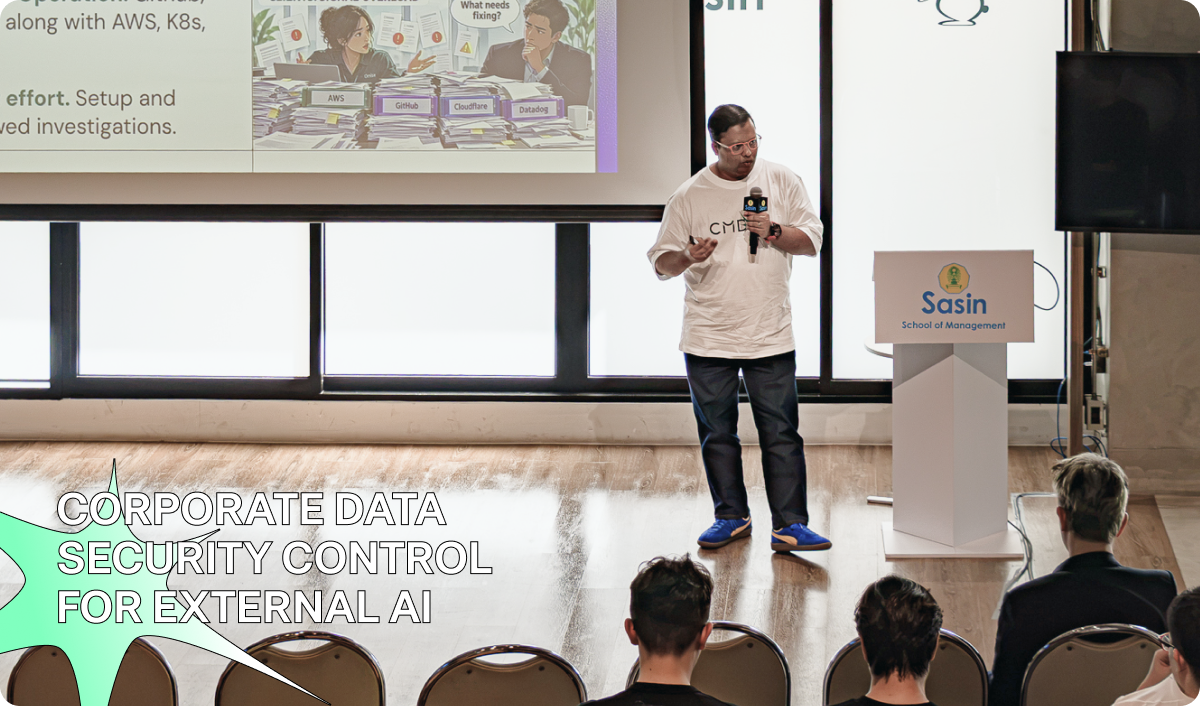
We closed the section with Tariqual Hassan "Mike", Senior Security Specialist, who explained how Omise Pro's security team has been adopting AI to work smarter while keeping data security at the forefront.
The team's critical operations outweigh its size, so they approached AI as an additional junior team member. As Mike shared, “We onboarded the AI as another junior security engineer who is fast, accurate, efficient, and cost-effective,” with analysts always reviewing and validating its output. He walked us through several applications, including AI-assisted reporting on cloud security findings, querying logs using natural language, and running local AI models to keep scan outputs on their own machines. He also explained how layered data loss prevention measures and a Cloud Access Security Broker (CASB) help monitor and control what employees paste or upload to external AI tools.
The takeaway was a reminder that while AI can take on more of the work, responsibility for the results remains with us: AI does more. We stay accountable.
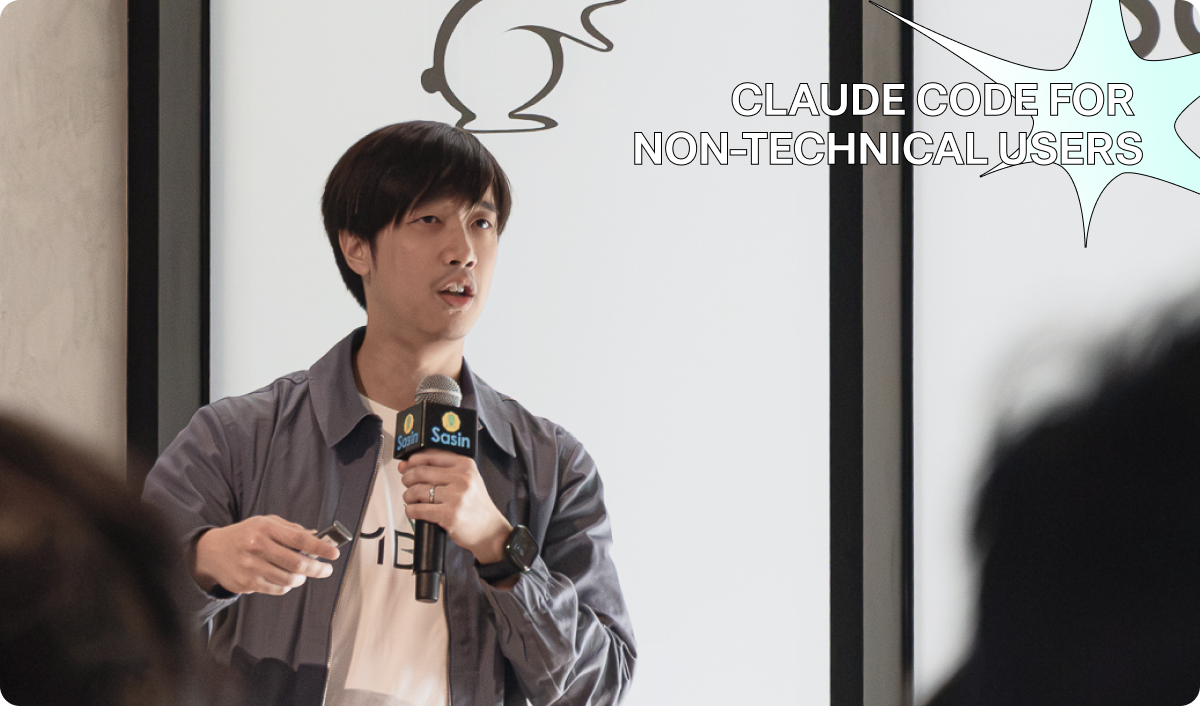
Technical Product Manager Ratanon "Tap" Suksumrun trained as a chemical engineer and has never written code for a living. He showed us that “Code” and “Terminal” aren't as intimidating as they might sound. At its core, Claude Code can work like a chatbot that operates within a folder.
Tap introduced a simple four-step method: Describe it, Look at it, Ask again, Check it. He used the approach on two real-world tasks: tracing where a wallet refund gets stuck and turning a data question into a story for leadership.
He also shared some ground rules for using it safely: get access through approved channels, give it access to only one folder without exposing sensitive information, and always review its work before approving anything. His takeaway? Claude Code is just a chatbot that can do the same things as other chatbots. If you want to understand it, just ask.
Chanon “Non” Chanpiwat, Software Engineer, reminded us that AI agents now have “hands”: they can read and write files, as well as run commands. But with these capabilities come risks, including supply-chain attacks and prompt injection.
His solution was to sandbox the agent using Nix and an “AI jail,” creating an isolated environment that can simply be discarded and rebuilt if something goes wrong.
He left us with a memorable line: “Catching an attack is luck. Not being able to leak is a design.”
Pattarathon “Patt” Watanakij, Solution Architect, took us on a four-act journey, from the “FOMO Frontier” to a “castle of sand” and finally to building “on rock.” His advice was to match the model to the job, give it only the context it needs, and measure cost per task using your own data rather than relying on public benchmarks.
He put this into practice with Ray, built at Omise Pro. On an HR CV-screening task, Ray cost about 8× less per run than a leading frontier model. That means the same $100 could screen around 14,400 CVs instead of 1,700.
In the end, Patt reminded us that not every task requires AI. Sometimes, a regular script will do.
Pusit Watcharaphalakorn, Staff Software Engineer, showed us how to treat AI like any other step in a CI/CD pipeline: with a clear contract, the right tool for the job, loud failures, and a human handoff.
In his test coverage case study, splitting one large prompt into scripts and smaller AI-powered steps cut token usage by 96% and reduced runtime from around seven hours to just 13 minutes. It also made the coverage results more consistent, stabilising them at 94–96%, compared with the previous range of 28–96%.
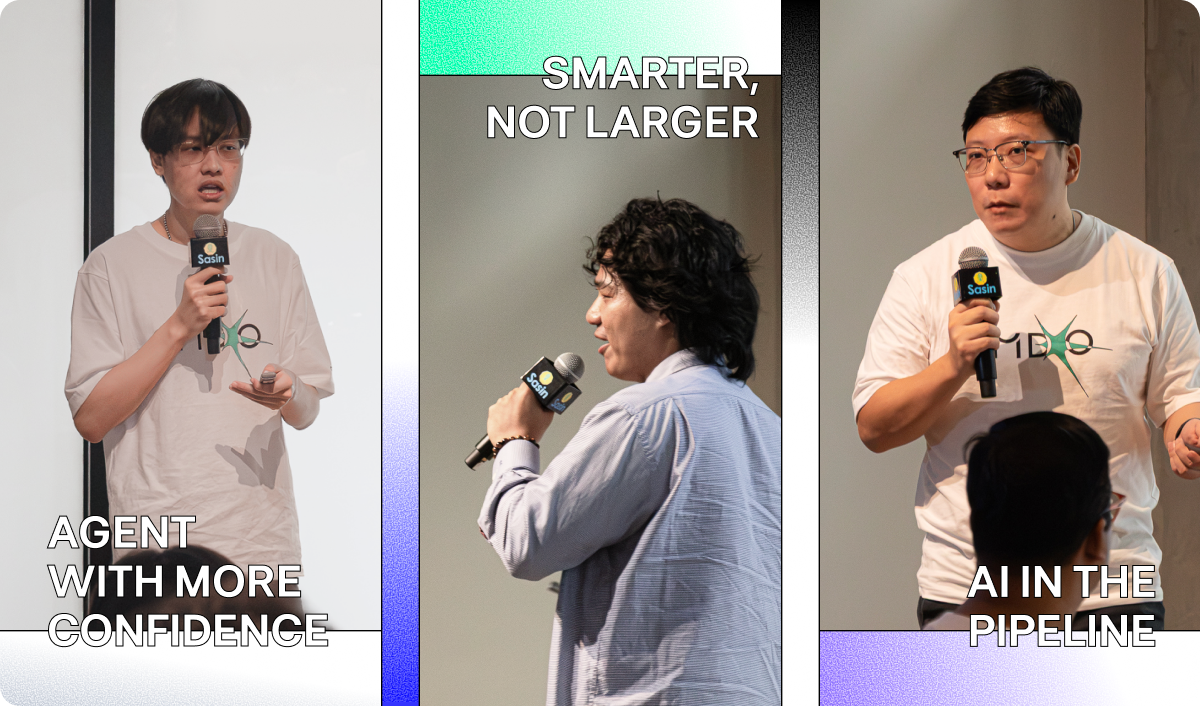
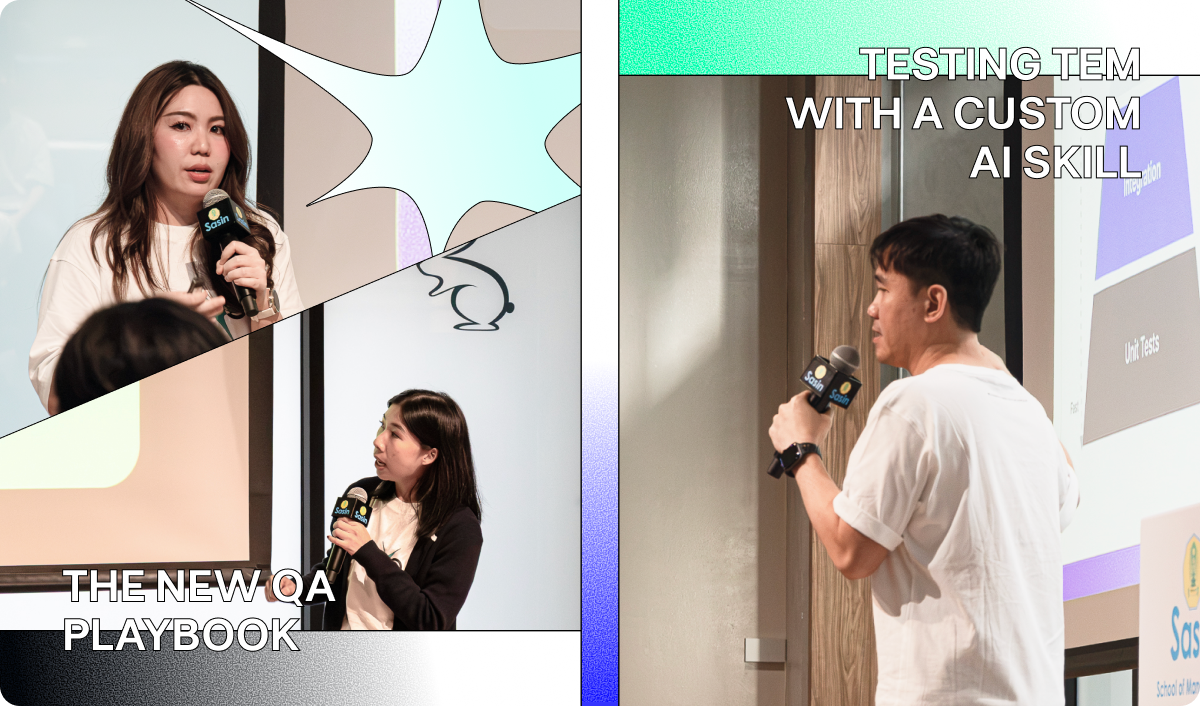
Siriwit “JJ” Nambutdee, Lead Software Engineer, tackled the challenge of testing TEM (Time Event Manager), our system for handling scheduled processing after payment authorization, which currently manages around 80 active events in production.
With more than 1,600 test cases, each end-to-end test run took around 8 hours. JJ identified integration testing as the missing layer and used Testcontainers with Cursor, an MCP connection to a test database, and a custom AI skill to build a more efficient testing approach.
The result was integration tests for 64 of the 80 events, a run time of about 8 minutes, and coverage above 85%. Even more impressive, the work took around 70 hours with AI, compared with an estimated 520 hours without it, saving approximately 86% of the time.
As the final session before the Lightning Talks, Our Lead QAs, Sutarat Suttitatip and Nida Wongnapakarn, compared delayed Production deployments to a delayed flight. Teams are often asked to speed up releases by skipping steps, but would you still board a plane if someone told you to “skip a few safety checks”?
How can you increase speed without sacrificing safety? Their answer was Autonomous QA for Omise: a system of 79 skills and commands, 15 agents, and 8 workflows that takes a ticket through the entire QA cycle, from requirement analysis and test case creation to automation, execution, and sign-off.
What once took around two weeks can now be completed in approximately 30 minutes, with a QA validating every step and no code being merged without human approval.
But their message went beyond speed and automation. AI doesn't take away our responsibility to define what quality means. Set a high standard. Challenge AI. Verify the evidence. Keep improving.
After a pizza break, we shifted gears into a more relaxed, meet-up-style evening with the Lightning Talks. The atmosphere was lively, with shorter sessions, fresh perspectives, and plenty of ideas to take away.
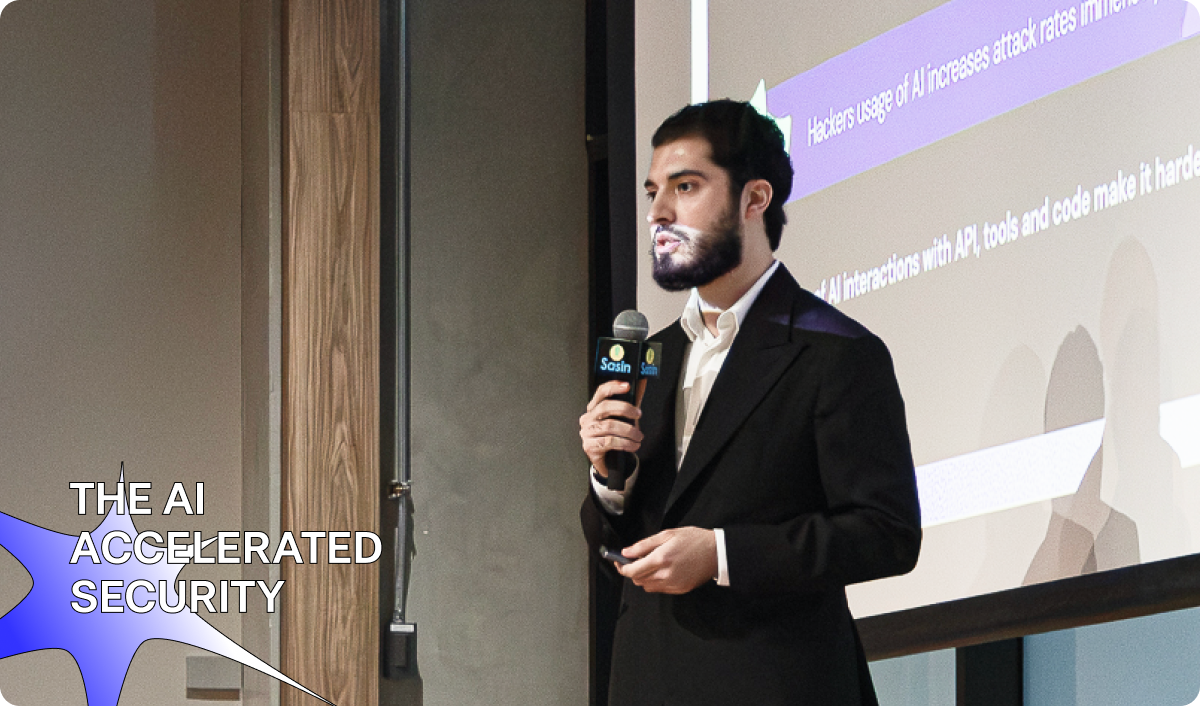
First up was Anas Naoushy, Senior Software Engineer, who drew a comparison between SQL injection and prompt injection, exploring how AI agents and MCP servers can be abused and why the AI supply chain needs the same caution we apply to npm packages. As he put it, “We shouldn't blindly trust AI agents either.”
Anas walked us through real-world security cases and a penetration-testing case study in which an AI agent helped accelerate an authorised security test of a client's mobile app.
His takeaway: every time we connect AI to another system, we introduce a new attack surface. We should build AI with the same security mindset we have applied to software for 25 years.
Then seven of our interns took the stage with five talks:
We caught up with two attendees to hear what stood out to them at Command O 2026 and what they’re taking away from this year’s event.“My favorite session was ‘Lazy PM, Busy Agents’ because it showed how AI agents can reduce repetitive tasks and help us focus on more important work. I was especially interested in the Daily Digest Agent, which turns meeting notes, project updates, and action items into a clear priority list.
One thing I'd like to try is using AI to automate routine tasks and improve my daily workflow. I also learned that while AI can help us work faster, human judgment remains important when reviewing information and making final decisions.”
— Manatchanok Ichihara, Product Intern
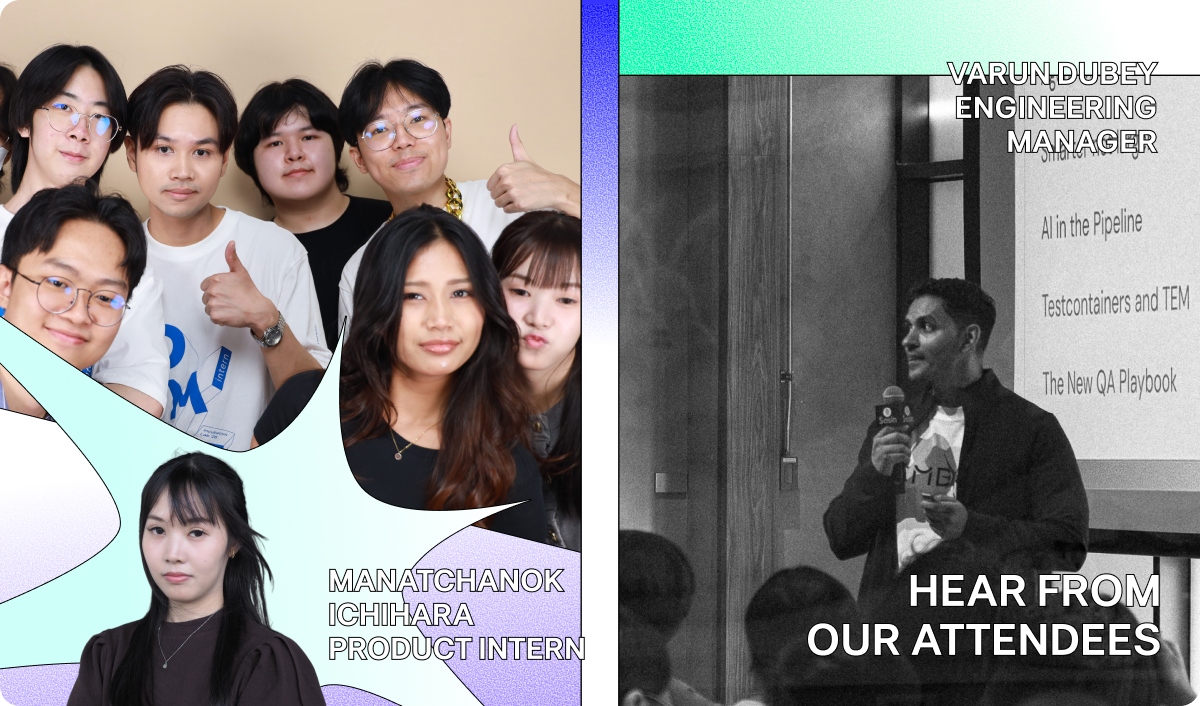
“What stood out to me was seeing how our colleagues are already using AI across the software development lifecycle, from requirements gathering and development to testing, delivery, and security.
Beyond productivity, Command O showed how we can use AI responsibly while maintaining quality and security. Being part of the event as both an attendee and an MC made it even more memorable. It also reminded me of the talent, knowledge, and curiosity we have within Omise, and our willingness to learn and share with one another.”
— Varun Dubey, Engineering Manager
A big thank you to the team behind Command O 2026 for bringing this year's event to life, to our speakers for sharing their experiences and ideas, and to everyone who joined us for a day of learning, discovery, and connection.
The future of AI isn't something we learn about once and leave in the classroom. It's something we keep building, testing, and learning together.
Want to be part of what we're building? Explore careers at https://omise.co/en/careers


